
File System Automation: How to Boost Efficiency with Python
Explore how file system automation using Python can boost your efficiency. Discover Python's automation capabilities and practical use cases.

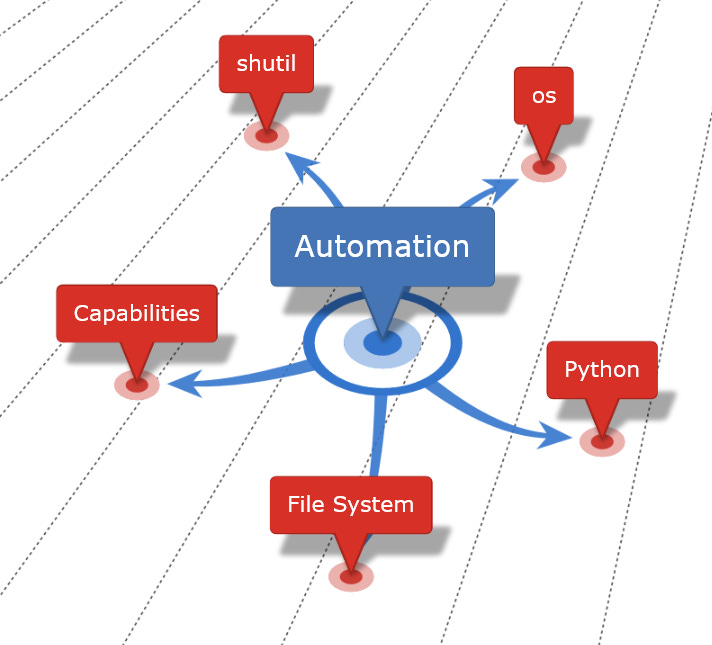
In this post, we'll explore file system automation using Python. We'll examine why it's important for software developers and how it can help you.
This post is a part of a 7-part series (this post being the first) where we’ll dive deeper into Python’s capabilities for working with the file system. Here’s a few things the series will cover:
Working with the File System
How to Read and Write Files in Python
Organizing Your File System with Python
Advanced File System Operations
Automating Routine File System Tasks with Python Scripts
Scheduling Python Scripts
Each post builds on the foundations laid in previous articles. They supply practical knowledge and empower you to automate file system tasks effectively. Don’t let a cluttered hard drive slow you down!
What is File System Automation?
This is when software automatically performs tasks related to files and directories. It cuts manual intervention and increases efficiency. For example, it can clean up and organize files, automate testing and deployment, and process data efficiently.
Why Python for File System Automation?
Python is a powerful and flexible programming language, widely used for automation (even in Machine Learning and AI but, more on that in a later series). It supplies libraries and modules that make file and directory operations easier. It's great for automating tasks that happen repeatedly, is easy to understand and has many resources you can leverage.
Capabilities for File System Automation
Python provides built-in modules like os and shutil for working with files and directories. These modules allow for file creation, reading, writing, and deletion. For example, Python's open() function creates a new file, read() reads its contents, and os.path.exists() checks if a file or directory exists.
Practical Uses
It can create regular backups of directories for data safety.
Rename files with a consistent naming convention for improved search and organization.
Compress files into a single archive for efficient sharing and storage.
These are just a few ways Python can solve real-world problems. I’ll also demonstrate how I’ve used Python to tidy up my hard drive.
Conclusion
File system automation with Python enhances productivity for developers. Python's capabilities automate repetitive tasks, enable effortless data manipulation, and streamline software development workflows. Learn more about file and directory automation. Explore Python's documentation. Use pip to install required modules like os and shutil. Engage with the Python community. And stay tuned for upcoming posts where we'll dive into the intricacies of file and directory automation with Python.
Get Involved!
We want to hear about your experiences with Python automation. Share your thoughts in the comments and let us know how file system automation has affected your work. If you found this article helpful, please consider sharing it. Head over to our chat and consider starting a new thread! It’s activities like these that help build a thriving community.